The quick answer
Standby power is electricity a device uses when it is switched off or not doing its main job. Many devices with electronics still draw it—clocks, remote receivers, chargers, network connections, and always-awake set-top boxes—but the amount varies widely, from under 1 watt to more than 30 watts depending on the model and features. Unplugging a device or switching off a power strip is the only way to guarantee zero draw.
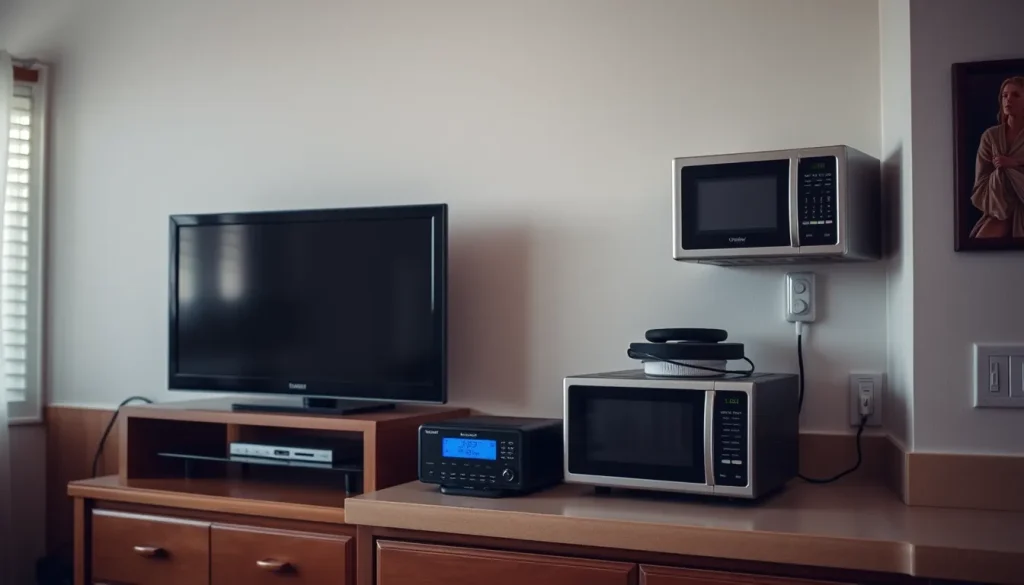
A television that is off, a microwave displaying the time, and a laptop charger with no laptop attached can all draw electricity from a live outlet. That does not mean every off appliance is using a meaningful amount. Standby draw depends on the device design, its features, and how long it stays plugged in.
What “standby power” means
Standby power is the electricity a device consumes when it is switched off or is not performing its primary function. The term covers a family of low-power modes rather than one technical condition; Lawrence Berkeley National Laboratory notes that standby is often used for low-power modes generally, with qualified terms such as networked standby when more precision is needed (LBL Standby Power FAQ).
That definition matters because a primary function is not always obvious. A clock display may be essential in an alarm clock but incidental in a microwave. For a household energy estimate, the practical question is simpler: is the device drawing power while it is not doing the job you bought it for? If yes, treat that draw as a standby or always-on load and measure or estimate it.
Standby power is measured in watts (W), a rate of power use. Electricity consumption on a bill is measured in kilowatt-hours (kWh), which is power multiplied by time. A device drawing 5 W continuously uses 0.005 kW × 24 hours = 0.12 kWh per day. The wattage alone does not tell you the annual cost until you know the hours and the electricity rate.
Why a switched-off device can still use electricity
Many modern appliances keep a small power supply active to maintain clocks, timers, touch pads, displays, remote-control reception, network connections, or battery charging. Natural Resources Canada explains that even when turned off, appliances and home electronics may continue to use standby power for clocks, timers, touch pads and displays, or to receive signals from networks or remote controls (NRCan standby power brochure).
Chargers and external power supplies are a separate common source. NRCan notes that battery chargers and external power supplies can draw power whenever they are plugged in—even when the device they power is fully charged or disconnected. Network-connected products such as set-top boxes and smart appliances may also be always awake, waiting to send or receive information.
The only way to guarantee that an electronic device is not drawing power is to unplug it or connect it to a power bar that can be switched off, according to NRCan. That is a useful benchmark for any zero-standby claim: a physical disconnection or a switched outlet is more certain than an off button alone.
Which household devices are most likely to draw standby power
Any product with electronics may consume power in standby mode, according to LBL’s standby power data page (LBL products that use standby power). The likelihood rises when a device has a display, a remote control, a battery, a network connection, or an external power supply. The following categories are worth checking; they are not all high users, and two models of the same type can behave differently.
- Entertainment and network equipment. Televisions, set-top boxes, streaming players, game consoles, audio receivers, and smart speakers may stay partly awake for remote control, updates, recordings, or network access. Set-top boxes and smart appliances are examples NRCan gives of products that may be always awake.
- Kitchen and laundry appliances with electronic controls. Microwaves with clocks, ranges with displays, coffee machines, and other appliances with timers or touch pads may draw power when idle. PBS News Weekend lists coffee machines among everyday items that can drain energy when turned off; the point is not that every coffee maker does so, but that electronic controls and displays are a reason to check (PBS News Weekend).
- Chargers and power adapters. Phone, laptop, tablet, cordless-phone, and power-tool chargers may draw power while plugged in, even with no device attached or after charging is complete. NRCan specifically notes battery chargers and external power supplies as standby sources.
- Small electronics and smart-home devices. Devices that listen for voice commands, maintain a wireless connection, or run a display may draw continuously. A smart speaker that is actively providing its main service is not standby in a strict sense, but it is still an always-on load on the household bill.
- Devices with remote receivers or indicator lights. A television, fan, or accessory that responds to a remote may keep a receiver active. The indicator light itself is usually not the main load; the supporting electronics are.
Do not assume that a device with no display is zero-draw, or that every device with a light is a major user. The range is wide. NRCan’s brochure says standby consumption can be as little as 0.5 W for some devices and more than 30 W for others. That is a range across products, not a typical value for any one appliance. Vampire power and phantom power are informal names for the same general idea (TXU Energy).
How much energy standby power uses
Standby power can add up because it runs for many hours, but most individual devices use small amounts. PBS News Weekend reported that everyday items that drain energy when turned off—such as coffee machines, video game consoles, and laptop chargers—account for 5 to 10 percent of nationwide home energy use in the United States. That is a national aggregate, not a prediction for a particular house. A home with few always-on devices may be below that range; a home with many networked devices, chargers, and set-top boxes may be above it.
Use this calculation for any device whose draw you can measure or find in the manufacturer’s documentation:
Annual kWh = watts ÷ 1,000 × hours per day × 365
Annual variable cost = annual kWh × price per kWh
The result is an estimate of the electricity attributable to that load. It excludes fixed monthly charges, taxes, and other bill components, and it assumes the wattage stays constant for the stated hours. If a device wakes periodically or only draws standby part of the day, use an average wattage or a shorter hours figure.
| Continuous power | Annual energy | Annual variable cost at $0.16/kWh |
|---|---|---|
| 0.5 W | 4.4 kWh | $0.70 |
| 5 W | 43.8 kWh | $7.01 |
| 10 W | 87.6 kWh | $14.02 |
| 35 W | 306.6 kWh | $49.06 |
The table assumes 24-hour operation for 365 days and a hypothetical electricity rate of $0.16 per kWh; the rate is an assumption, not a current price. The 5 W row is a hypothetical example, not a claim that a particular device uses 5 W. The arithmetic is 5 ÷ 1,000 × 24 × 365 = 43.8 kWh per year; at $0.16 per kWh, 43.8 × $0.16 = $7.01. The same method works for a group: add the continuous watts of the devices you leave plugged in, then run the calculation once.
How to check a device in your home
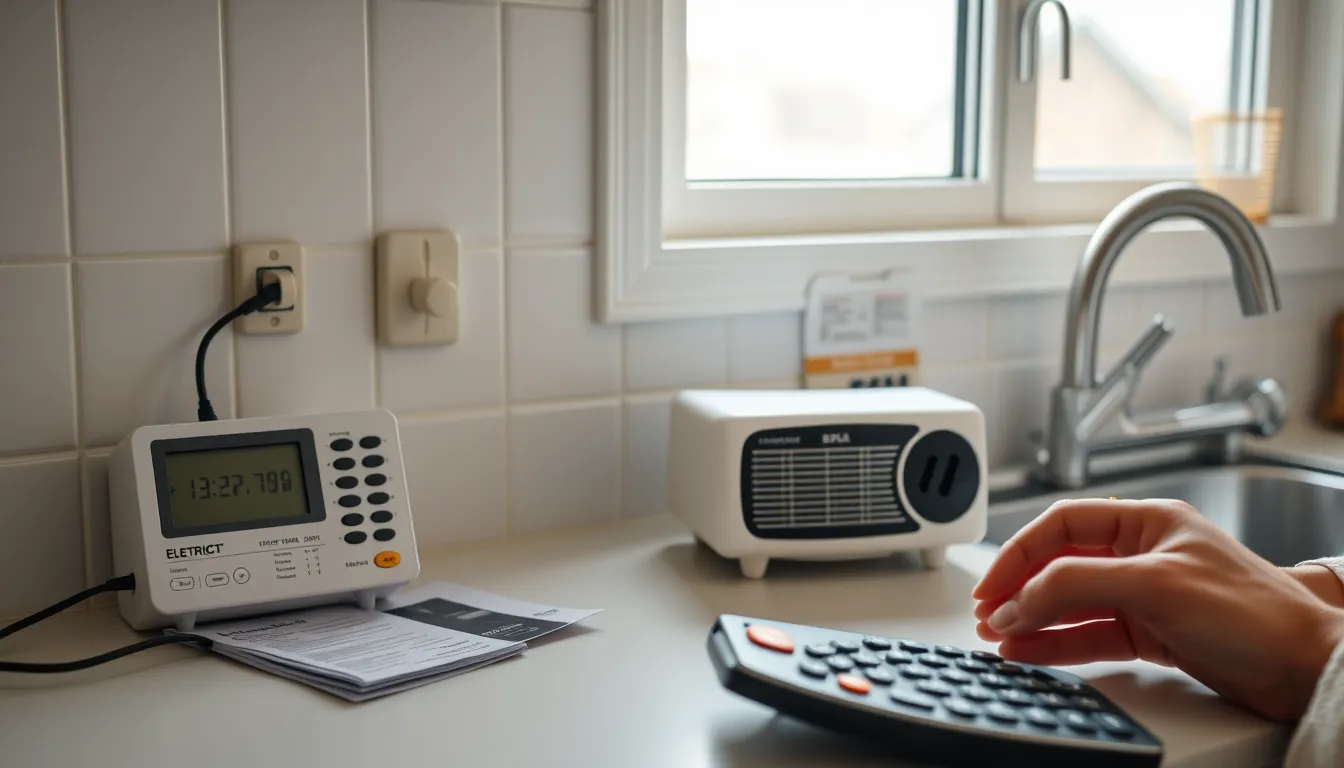
A plug-in electricity use monitor—often called a watt meter—is the most direct household check. Choose one rated for the appliance’s current and, for low-power devices, one with enough resolution to show small wattages. Follow the manufacturer’s instructions and keep the meter dry and ventilated. Do not open the device or probe inside an outlet; those are jobs for a qualified electrician if a repair is needed.
- Measure the idle state. Turn the device off with its normal control, leave it connected, and let it settle. Record the watt reading after any start-up cycle or display timeout has passed.
- Measure over time when possible. A watt meter that records energy over hours or days is more useful than a single instantaneous reading, especially for devices that wake periodically. If the meter has a kWh function, use the accumulated value and the elapsed time.
- Compare the off and unplugged states. If the meter reads 0 W when unplugged and a small nonzero value when switched off, that difference is the standby draw. A meter may round very low values to zero; check its resolution before concluding a device is truly zero.
- Check the product documentation. Some manufacturers publish standby or networked-standby wattage in specifications or energy documentation. If no figure is published, treat the measured value as your best local estimate.
- Rank by total energy, not just watts. A 1 W device that runs all year may use less than a 20 W device that is only in standby for a few hours, but a 10 W always-on device can matter more than a 100 W appliance used briefly. Multiply by hours to compare fairly.
Practical ways to reduce standby waste
Start with devices that are both always-on and easy to disconnect. Group a television, game console, and charger on a switched power strip, and turn the strip off when the equipment is not in use. Use the same approach for a charging station. Unplug chargers that are not charging anything; NRCan notes that unplugging or switching off a power bar is the only way to guarantee no draw.
Before switching off a device, consider what it needs to do. A set-top box may need power for scheduled recordings or updates; a smart speaker may need power to answer voice commands; a security camera or medical device may need continuous operation. A switched strip is a tool for loads you are comfortable disconnecting, not a blanket rule for every outlet.
When buying, look for published standby or networked-standby power figures if the manufacturer provides them, and compare features you will actually use. A device that stays connected 24 hours a day is not necessarily a bad choice, but its always-on load belongs in your estimate. For renters, switched strips and unplugging are reversible and require no wiring changes. Homeowners considering smart outlets or whole-room switches should treat them as convenience upgrades, not guaranteed savings, and should have any hardwired work done by a qualified professional.
Limitations of standby estimates
Standby labels and measurements are not perfectly comparable. Definitions differ: a router actively routing internet traffic is performing its primary function, while a television waiting for a remote command is usually in standby. Networked devices may alternate between low-power and active states. Meter accuracy at fractions of a watt varies. And the price you pay per kWh may include tiers, time-of-use periods, fixed charges, and taxes that a simple variable-cost estimate does not capture.
For those reasons, use standby estimates to rank opportunities, not to promise a bill reduction. Measure the devices you can, use documented figures when available, and compare equivalent periods on your bill. A small always-on load is worth understanding, but it is rarely the whole story of a high electricity bill. A practical next step is to choose one charging station or entertainment shelf, measure its idle draw for 24 hours, and then decide whether a switched power strip is worth the effort.
FAQ
Does a phone charger use electricity when nothing is connected?
It can. Natural Resources Canada notes that battery chargers and external power supplies may draw power whenever they are plugged in, even when the connected device is fully charged or disconnected. The amount varies by charger, so unplugging it or using a switched power strip is the surest way to stop the draw.
Is standby power a major cause of a high electricity bill?
It can contribute, but it is rarely the whole explanation. PBS reported that always-on devices account for 5 to 10 percent of nationwide U.S. home energy use, but an individual home can be higher or lower. Compare equivalent billing periods and check large loads such as heating, cooling, water heating, and refrigeration before assuming standby power is the main cause.
Will turning off a TV with its remote stop standby power?
Usually not completely. A remote control often leaves the TV in a low-power state so it can respond to the remote or perform updates. To guarantee no draw, unplug the TV or use a switched power strip, while allowing for any features that need continuous power.
Do all appliances have standby power?
No. Simple mechanical devices may draw no power when switched off. The risk is higher for products with electronics, displays, remote receivers, chargers, network connections, or timers. Check the specific model rather than assuming every appliance behaves the same way.
Follow the evidence
Sources & references
- Lawrence Berkeley National Laboratory. Frequently Asked Questions | Standby Power. https://standby.lbl.gov/frequently-asked-questions (retrieved November 5, 2026).
- Natural Resources Canada. Standby power: When 'off' means on. https://natural-resources.canada.ca/sites/nrcan/files/energy/pdf/energystar/Standby-Power-brochure-eng.pdf (no publication date shown).
- Lawrence Berkeley National Laboratory. Products that Use Standby Power | Standby Power. https://standby.lbl.gov/standby-power-data-metering (retrieved November 5, 2026).
- TXU Energy. Energy Vampires: Find and Stop Standby Power. https://www.txu.com/energy-resources/energy-vampires (updated September 2026).
- PBS News Weekend. Are 'vampire devices' draining energy in your home? Here's what to do. https://www.pbs.org/newshour/show/are-vampire-devices-draining-energy-in-your-home-heres-what-to-do (October 4, 2025).
Useful terms in this guide
- Standby power
- Electricity a device uses when it is switched off or not performing its primary function.
- Vampire load
- An informal name for standby power or phantom load.
- Networked standby
- A low-power mode that keeps a device connected and ready to receive network signals.
- Kilowatt-hour (kWh)
- A unit of energy equal to 1,000 watts used for one hour; it is the unit utilities usually bill.
Have a question about these numbers?
Tell us what needs a closer look.