The quick answer
Plug the meter into a grounded 120 V outlet, plug the appliance into the meter, and let it log a representative period. Read the kilowatt-hours and elapsed time, then multiply metered kWh by your usage rate to estimate variable cost. Cycling appliances need a long enough sample, and the result excludes fixed fees, taxes, and billing tiers.
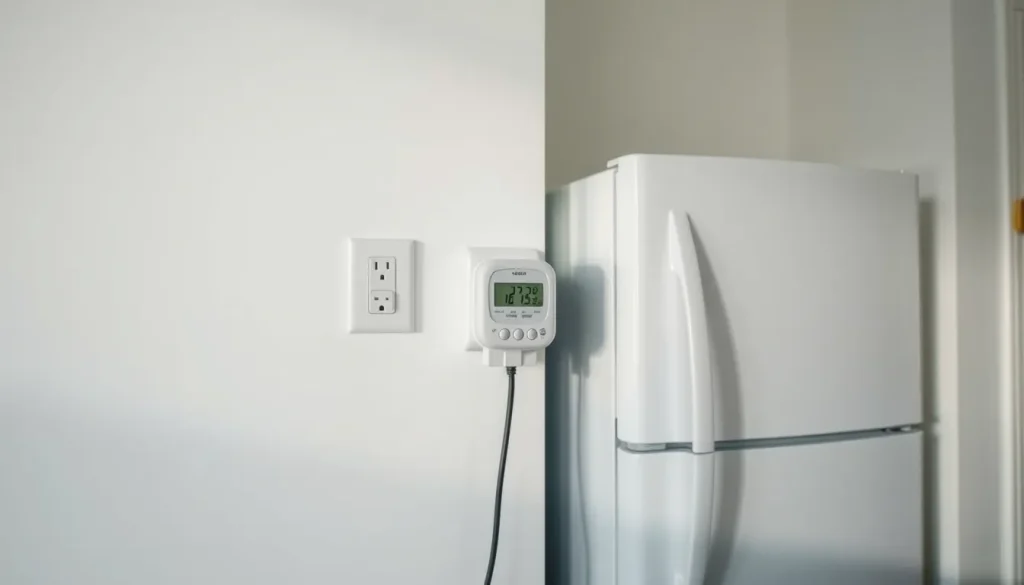
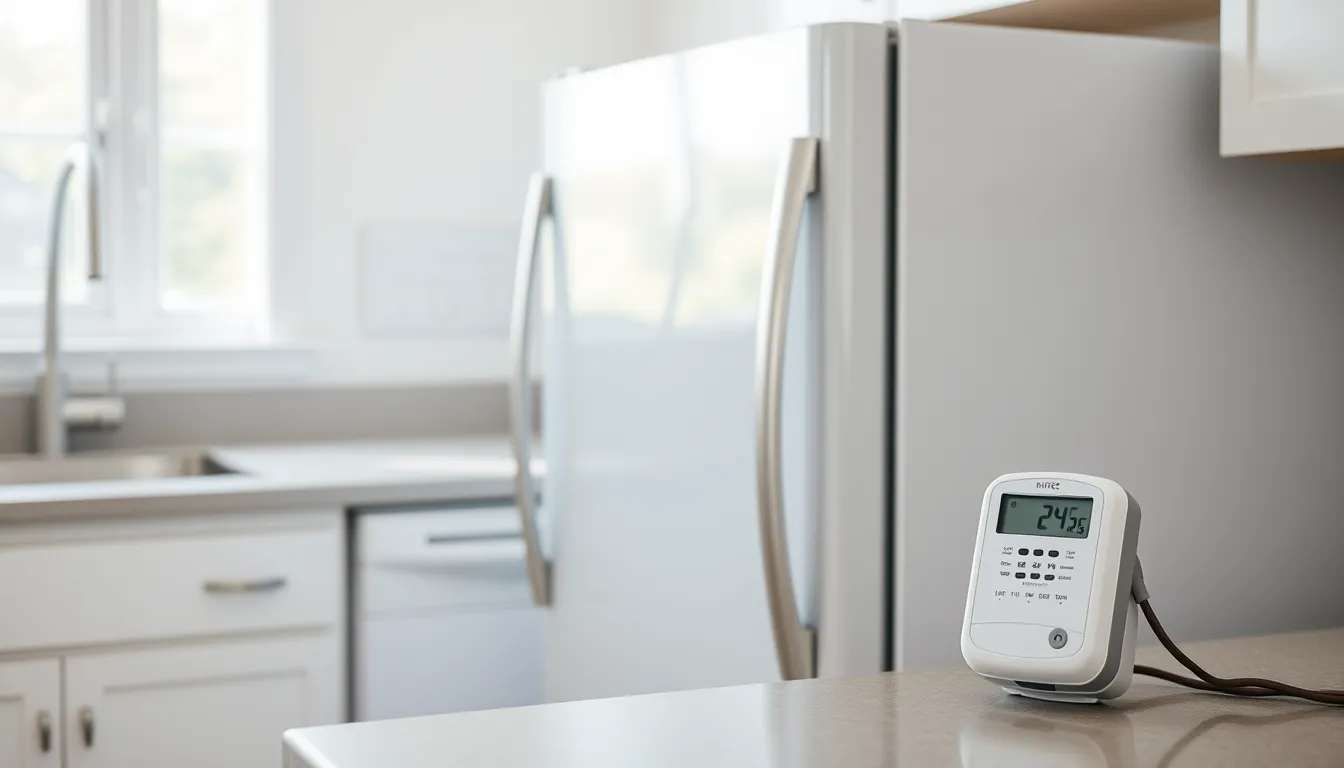
A plug-in energy meter turns a single wall outlet into a measurement point. It sits between the outlet and an appliance, logs energy use over time, and lets you replace guesses about watts with a measured kilowatt-hour reading. That is useful for a renter checking a space heater, a homeowner judging an old refrigerator, or an appliance buyer benchmarking a freezer before replacement.
The method is straightforward, but the number on the screen is not a complete electricity bill. It measures one plug-in load, not the whole house, and it usually excludes fixed charges, taxes, tiers, and time-of-use pricing. Treat it as a usage measurement, then apply your own rate.
What a Plug-In Energy Meter Measures
Power and energy are different. Power is the rate at which an appliance uses electricity, commonly shown in watts. Energy is power used over time, commonly billed in kilowatt-hours. A 1,000-watt load run for one hour uses 1 kWh. A 100-watt load run for ten hours also uses 1 kWh.
The Rideau Environmental Action League guide for the Kill A Watt meter lists AC volts, AC amps, watts, volt-amps, frequency, power factor, kilowatt-hours, and elapsed time among the readings. Some models also estimate cost if you enter a price per kWh, but the kWh reading is the more transparent number because you control the rate assumption. The display may toggle between kilowatt-hours and cumulative time.
A plug-in meter is not a smart meter or a whole-home monitor. Consumer guidance from Which? distinguishes a plug-in energy monitor, which measures an individual plug-in appliance, from a smart meter, which measures whole-home supply and sends readings automatically. A plug-in meter is best for isolating one load: a refrigerator, dehumidifier, television, fan, or space heater that has a standard plug.
The Rideau guide says the meter plugs into a 120 VAC, three-prong grounded outlet, and the appliance plugs into the meter. The same guide cautions that directly wired appliances cannot be measured this way and lists stoves, dishwashers, driers, water pumps, furnaces, electric hot water heaters, and some lighting fixtures. It also says not to use the device with an inverter. A Jo-Carroll Energy guide notes that the meter begins recording time and energy once it is connected to power and that it can be reset by unplugging it.
Before You Plug It In
Confirm the appliance has a standard plug and is not a directly wired load. Check the meter’s electrical rating against the appliance’s current draw, and do not exceed the meter or outlet rating. Use a grounded outlet, keep the meter dry, and follow the manufacturer’s instructions. The cited guides warn against inverter use, and a standard plug-in meter is not the right tool for a 240 V dryer, central air conditioner, or other hardwired equipment.
Write down the question you want to answer. Are you measuring active use, standby use, one complete cycle, or daily operation? A television in standby needs a different test than a refrigerator that cycles on and off. Have your electricity rate handy, and decide whether you need a 24-hour sample, a full wash or dish cycle, or a longer period that captures weekly routines.
Some appliances lose clock or control settings when unplugged. Plan the measurement around that, and do not open or modify an appliance to reach a wiring point. If the appliance is hardwired or the plug or circuit is damaged, stop and use a qualified electrician or another measurement method.
Step-by-Step: Measure One Appliance
- Reset the meter. The Jo-Carroll guide says to remove power from the unit by unplugging it from the outlet. Start with a clean reading so old data does not mix with new data.
- Plug in the meter first. Insert the meter into a grounded 120 V outlet, then plug the appliance into the meter. The meter begins recording once it is connected.
- Let it run for a representative period. For a constant load, a shorter sample may be enough to confirm wattage, but daily use still requires a usage assumption. For appliances that cycle on and off, the Rideau guide recommends keeping the meter connected for 24 hours for refrigerators, freezers, pumps, and water coolers. For a washing machine or dishwasher, measure a full cycle and, if standby matters, a separate standby period.
- Read kWh and elapsed time. Record both. If the meter shows only watts, note the wattage and the time, then calculate. If it shows a cost estimate, check which rate was entered.
- Convert to a consistent period. Use days, not a mix of days and weeks. For a 30-day month, multiply daily kWh by 30. For a 365-day year, multiply daily kWh by 365. Keep the same convention when comparing appliances.
- Repeat for standby or a second appliance. To check phantom load, leave the appliance switched off but still plugged into the meter. Appropedia notes that a KillAWatt meter can measure phantom loads as well as operating energy.
- Unplug the meter when finished. Store it according to the manufacturer’s instructions and do not leave it connected to a load that exceeds its rating.
Worked Example: From Meter Reading to Appliance Cost
The basic formula, when you know watts and hours, is:
energy_kWh = watts / 1000 x hours_per_day x days
variable_cost = energy_kWh x price_per_kWh
When the meter has already logged kWh, skip the first formula and multiply the metered energy by the rate. Suppose an illustrative dehumidifier logs 7.5 kWh over 5 days. The daily energy is 7.5 kWh / 5 days = 1.5 kWh per day. Using a hypothetical usage rate of $0.18 per kWh, the daily variable cost is 1.5 kWh x $0.18 = $0.27. These figures are illustrative, not a measured result for any particular appliance, and the rate is not a current price quote.
| Period | Calculation | Energy | Variable cost |
|---|---|---|---|
| Daily | 7.5 kWh / 5 days | 1.5 kWh | $0.27 |
| 30-day month | 1.5 kWh x 30 | 45 kWh | $8.10 |
| 365-day year | 1.5 kWh x 365 | 547.5 kWh | $98.55 |
A second scenario shows why long runtimes matter. These are hypothetical assumptions at the same $0.18 per kWh and a 30-day month. Device A uses 300 watts for 2 hours per day: 300 / 1000 x 2 x 30 = 18 kWh, or $3.24. Device B uses 60 watts for 24 hours per day: 60 / 1000 x 24 x 30 = 43.2 kWh, or $7.78. The lower-wattage device can cost more to run because it operates far longer.
| Device | Power | Runtime | 30-day energy | Variable cost |
|---|---|---|---|---|
| A | 300 W | 2 hours per day | 18 kWh | $3.24 |
| B | 60 W | 24 hours per day | 43.2 kWh | $7.78 |
Nameplate watts alone do not establish average consumption. Motors cycle, heaters modulate, refrigerators respond to room temperature and door openings, and electronics may draw different amounts in active and standby modes. A metered kWh reading over a representative period is more useful than a label rating.
Reading the Cost Correctly
Use the price per kWh from your electricity bill, but separate usage charges from fixed charges. A monthly service fee, meter charge, taxes, and other fixed amounts do not change just because one appliance runs. For a single-appliance estimate, the relevant figure is usually the marginal or usage rate, not the bill’s total average rate.
Tiered and time-of-use rates complicate the answer. If extra use pushes you into a higher tier, the marginal rate may be higher than the first-tier rate. If your rate changes by time of day, match the appliance’s operating hours to the correct period. A meter that stores one flat rate cannot capture those differences.
The meter’s kWh reading measures one appliance. It does not represent a complete bill, and it does not include taxes, fixed fees, demand charges, or the effects of other appliances. Keep daily, monthly, and yearly periods consistent. A 30-day month and a 365-day year are convenient conventions, not statements about your actual billing cycle. When comparing bills, use equivalent billing days and separate usage changes from rate or fee changes.
Common Mistakes and Limits
- Using nameplate watts as average use. A label may show maximum or rated input, not the energy used during a normal day. Measure a representative period instead.
- Measuring a cycling appliance for too short a time. A refrigerator that happens to be off during a ten-minute test will look misleadingly cheap. The Rideau guide recommends 24 hours for cycling appliances such as refrigerators, freezers, pumps, and water coolers.
- Forgetting standby load. Phantom loads can add up across many devices. Measure the off-but-plugged-in state separately if standby use matters.
- Treating a cost display as a bill. The display may use a single rate and exclude fixed charges, taxes, and tiers.
- Mixing time periods. Do not compare a daily kWh figure from one appliance with a monthly kWh figure from another.
- Using the wrong meter for the load. Directly wired appliances cannot be measured with a standard plug-in meter, and the cited guide says not to use the device with an inverter. Check ratings before connecting any high-power plug-in appliance.
For hardwired equipment, whole-home monitoring, or a circuit-level question, use a different method. A qualified electrician can install appropriate monitoring or help assess a dedicated circuit. A plug-in meter is a consumer measurement tool, not a substitute for electrical inspection or repair.
Using the Results Without Overstating Savings
Rank loads by metered energy, not by advertised wattage. The appliance with the largest kWh over a representative period is the best first target, whether it is a refrigerator, a space heater, or a group of standby devices. Renters can usually act on plug-in loads without structural changes. Homeowners can use the measurement as a baseline before considering a replacement or a qualified electrical upgrade.
For a replacement decision, compare equivalent service. A simple payback estimate is purchase price divided by estimated annual bill savings. If an illustrative replacement costs $400 more and is modeled to reduce metered annual energy cost by $40, the simple payback is 10 years, before incentives, installation, maintenance, or disposal costs. That is a modeled comparison, not a guarantee. Actual savings depend on usage, climate, rate design, and the new appliance’s performance.
Appliance buyers can use a meter to benchmark the old unit, then compare the result with the new unit’s estimated annual energy use. Bill payers can use the same reading to see whether a device is worth unplugging or replacing. The final step is practical: pick one plug-in appliance, reset the meter, log a representative cycle or day, calculate the variable cost with your own rate, and use that measured result to decide what to change next.
FAQ
How long should I leave a plug-in energy meter on a refrigerator?
The Rideau Environmental Action League guide recommends 24 hours for appliances that cycle on and off, including refrigerators and freezers. For a more representative estimate, use a period that captures normal door openings and household routines, and keep the meter within its electrical rating.
Does the meter's cost reading match my utility bill?
Not usually as a complete bill. The meter measures one appliance's kWh and may use a single rate you entered. Your utility bill can also include fixed fees, taxes, tiers, time-of-use pricing, and other charges that a single-appliance meter does not capture.
Can I measure a directly wired appliance such as a dryer or electric water heater?
A standard plug-in energy meter is not designed for directly wired appliances. The cited Rideau guide lists stoves, dishwashers, driers, water pumps, furnaces, electric hot water heaters, and some lighting fixtures as examples that cannot be measured this way. Use a qualified electrician or an appropriate whole-home or circuit-level monitoring method.
What should I do if my meter has a cost mode?
Check which price per kWh was entered and whether it includes taxes or fees. For a transparent estimate, read the metered kWh and multiply it by the usage rate from your bill. Then label the result as a variable-cost estimate for that appliance, not a complete bill.
Follow the evidence
Sources & references
- Rideau Environmental Action League. 'How to Use the Kill a Watt Meter.' https://www.realaction.ca/energy/kill-a-watt-meters/how-to-use-the-kill-a-watt-meter/ (retrieved November 5, 2026).
- Which?. 'Are energy monitors the best way to measure your power usage?' 31 March 2026. https://www.which.co.uk/reviews/cutting-your-energy-bills/article/are-energy-monitors-the-best-way-to-measure-your-power-usage-aN4ZA0T3QqyE
- Jo-Carroll Energy. 'Take charge of your energy use with a Kill A Watt Meter.' PDF, updated 2022. https://jcecoop.com/sites/default/files/Documents/Kill-A-WattMeterGuide(hoursupdated2022).pdf
- Appropedia. 'How to use a KillAWatt meter.' https://www.appropedia.org/HowtouseaKillAWattmeter
Useful terms in this guide
- Kilowatt-hour (kWh)
- A unit of energy equal to 1,000 watts used for one hour. It is the unit utilities commonly use for electricity usage.
- Power factor
- The ratio of real power in watts to apparent power in volt-amps in an AC circuit; the kWh reading already reflects real energy over time.
- Phantom load
- Electricity used by a device when it is switched off or in standby but still plugged in and drawing power.
- Variable cost
- The part of an electricity cost that changes with usage, estimated here as metered kWh multiplied by a price per kWh.
Have a question about these numbers?
Tell us what needs a closer look.