The quick answer
A gaming PC drawing 400 watts for 4 hours a day costs about $8.79 per month at the U.S. average residential rate of 18.31¢ per kWh, or about $0.07 per hour. Actual cost depends on measured wall draw, gaming hours, and the rate on your bill; this tower-only estimate excludes monitors, peripherals, and fixed charges.
The running cost of a gaming PC is not set by the purchase price or by the number printed on the power supply. It is an energy calculation: actual wall draw in watts, hours spent gaming, and the price per kilowatt-hour on the household’s bill. Because those inputs vary, published estimates range from a few dollars a month for a modest setup to roughly $8 to $9 a month for a 400 W to 500 W example, and higher for long hours or expensive electricity.
Power, energy, and the number on the power supply
A watt (W) measures power, or the rate at which electricity is used at a moment. A kilowatt-hour (kWh) measures energy, which is what utilities bill. One kWh equals 1,000 watts used for one hour. A 400 W PC running for 15 minutes uses 0.1 kWh; running for 4 hours uses 1.6 kWh.
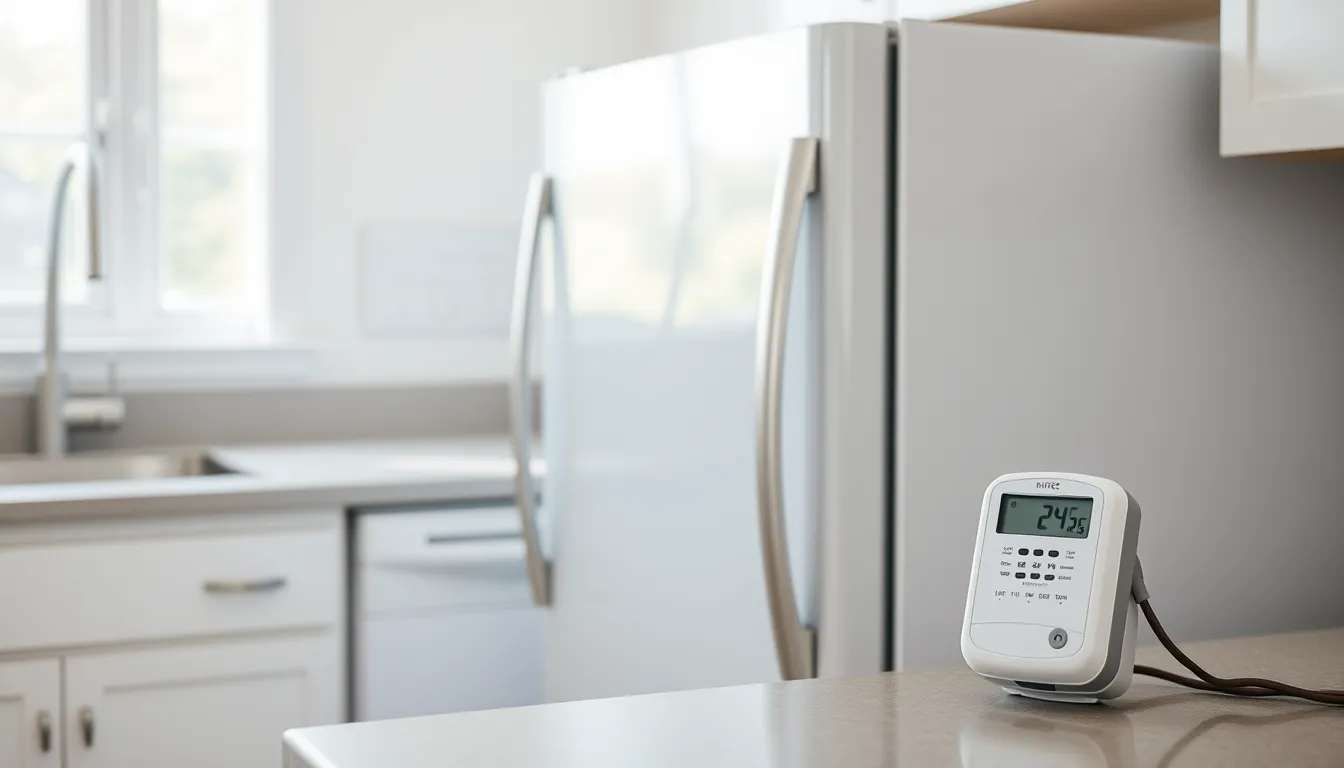
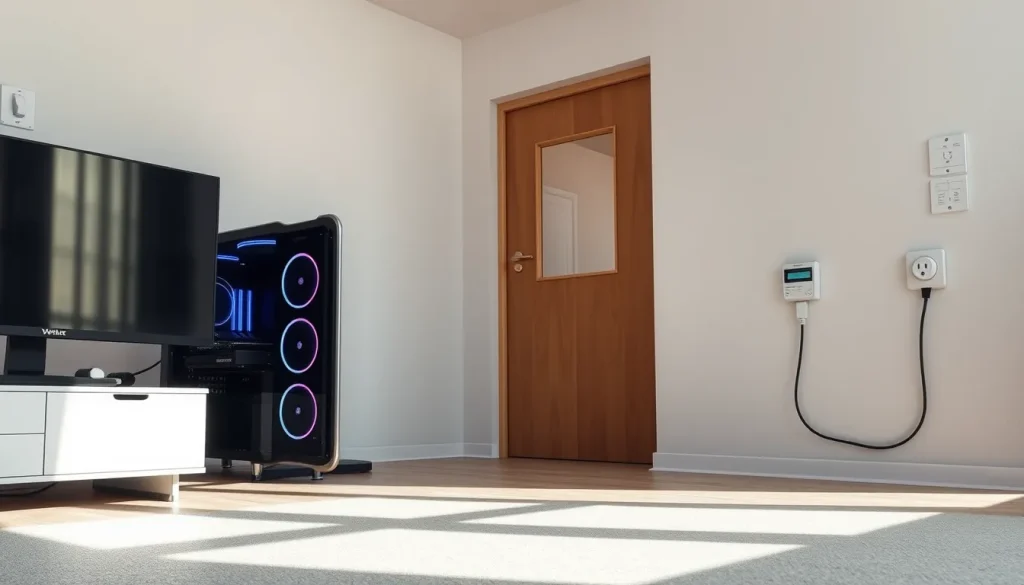
The wattage on a power supply is a capacity rating, not a promise that the PC consumes that amount continuously. A power supply also has conversion losses, so the power drawn from the wall includes component power plus those losses. A plug-in electricity meter measures wall draw directly and avoids guesswork about the label.
For context, PlugFacts notes that published max graphics-card and processor power limits can range from about 304 W to 825 W in the examples it lists, before motherboard, memory, drives, and fans are added. That is a rough ceiling for major components, not a measurement of a particular game or a particular PC.

Use the rate that applies to extra usage
The U.S. average residential price in WhatItCostsToRun’s October 2026 example is 18.31¢ per kWh. That is a reference point, not a household quote. A bill may include supply charges, delivery charges, taxes, and fixed customer charges. For an estimate of what one more gaming hour costs, use the usage or marginal rate that changes with consumption; fixed monthly charges do not change just because the PC runs.
Use this formula to move from watts to a bill estimate:
Monthly kWh = (watts ÷ 1,000) × hours per day × days in month
Monthly cost = monthly kWh × price per kWh
Keep the periods consistent. If a monthly estimate assumes 30 days, say so. If an annual estimate assumes 365 days, do not mix it with a 30-day month without noting the difference.
Worked example: 400 watts for four hours a day
Using the 400 W, four-hours-a-day assumption in the WhatItCostsToRun example and 18.31¢ per kWh, the arithmetic is:
- Power: 400 W ÷ 1,000 = 0.4 kW.
- Daily energy: 0.4 kW × 4 hours = 1.6 kWh per day.
- Monthly energy: 1.6 kWh per day × 30 days = 48 kWh per month.
- Monthly cost: 48 kWh × $0.1831 per kWh = $8.7888, or about $8.79.
- Annual cost: $8.79 × 12 = about $105.47, assuming the same use all year.
Per gaming hour, 0.4 kW × $0.1831 per kWh = $0.07324, or about 7 cents. That figure is for four hours of actual gaming. Idle, browsing, and light desktop use generally draw far less than a demanding game, so they should not be priced at the same wattage. The estimate is tower-only and excludes the monitor, speakers, router, and fixed utility charges.
How wattage and hours change the estimate
Gaming PCs span a wide range. A calculator used by CostORun labels a 200 W setup as typical for a 4-hour day, while WhatItCostsToRun’s 400 W example is twice that draw. PlugFacts’s 500 W example is another scenario, not a universal average. These are not measurements of a particular PC; they show why estimates differ.
| Assumed wall draw | Gaming hours per day | kWh per month | Cost per month | Cost per year |
|---|---|---|---|---|
| 100 W | 4 | 12 | $2.20 | $26.37 |
| 200 W | 4 | 24 | $4.39 | $52.73 |
| 400 W | 4 | 48 | $8.79 | $105.47 |
| 500 W | 3 | 45 | $8.24 | $98.87 |
The table is not a ranking of PCs. It shows that a 500 W PC played 3 hours a day can cost less than a 400 W PC played 4 hours a day, because hours matter as much as watts. To compare like with like, hold the rate and period constant.
Why published estimates disagree
Different calculators use different labeled assumptions. CostORun’s 2026 calculator opens with a 200 W, 4-hour-a-day setup and shows about $4.31 per month at about 18¢ per kWh. WhatItCostsToRun uses 400 W for 4 hours a day to get $8.79 per month and $105.47 per year. PlugFacts uses 500 W for 3 hours a day at 18.16¢ per kWh to get about $0.09 per hour, $8.29 per month, and $99 per year. The arithmetic is similar; the inputs are not.
That is why a generic answer should be read as a range or a worked example, not as a bill prediction. The useful question is not whether one calculator is right in general, but whether its watts, hours, and rate match the household being estimated.
How to estimate your own gaming PC
For a household estimate that is more useful than a generic average, gather three numbers.
- Wall draw during gaming. Plug the tower into a plug-in energy meter and record watts or kWh during representative play. If the meter shows watts, multiply by the hours at that load. If it accumulates kWh, use that total and multiply by the rate.
- Actual gaming hours. Count time when the PC is under the load being estimated. Keep idle and gaming separate if possible. A weekly total can be converted to a daily average for the formula.
- Your electricity price. Find the usage charge on your bill. If the plan has time-of-use periods, use the price for the hours you actually play.
- Apply the formula and round clearly. Report the assumptions beside the result so another household member or bill payer can check them.
Without a meter, use a clearly labeled assumption such as 400 W and 4 hours a day as a starting point. Do not present it as a measured finding. Revise the estimate when a meter or a smart plug provides better data.
What the estimate leaves out
A gaming PC is one load, not a whole bill. Fixed monthly charges, taxes, and fees remain even if the PC is off. Tiered rates, time-of-use periods, and demand charges can make the marginal price of gaming different from the average price on the bill. The tower estimate also excludes the monitor, speakers, headset, router, and any extra air-conditioning needed to remove heat in warm weather. If you include a monitor, calculate it as a separate load: monitor watts ÷ 1,000 × hours × rate.
A gaming PC also produces heat. In a conditioned home, some of that heat may reduce heating in winter or add cooling load in summer. That interaction is outside a simple appliance estimate.
Regional and billing differences
Location changes the answer through the price per kWh. For the same 400 W, 4-hour-a-day pattern, WhatItCostsToRun’s state comparison gives about $6.11 per month in Louisiana and $23.04 per month in Hawaii. Those are price illustrations from that source, not guarantees for a particular address. Your utility, rate plan, season, and billing period control the actual charge.
Common mistakes to avoid
- Using the power-supply rating as consumption. A 750 W power supply does not draw 750 W all the time; it is rated capacity. Use measured wall watts or an estimate based on actual components.
- Pricing every on-hour as gaming. Idle and light use draw less. Counting 24 hours at full gaming wattage overstates the cost.
- Using the total bill average without checking fixed charges. Fixed fees do not change with one more hour of gaming. Use the marginal usage rate for an extra-use estimate.
- Forgetting the monitor and peripherals. A tower-only answer can be useful, but it is not the whole desk setup.
Practical ways to reduce the electricity cost
The biggest levers are hours and load. Shutting down or sleeping the PC when it is not in use avoids paying for idle time, though idle draw is usually much lower than gaming draw. If the plan has time-of-use pricing, shifting flexible gaming to lower-price periods can reduce the per-kWh charge, but it does not change fixed fees. Lowering a frame-rate cap or graphics settings may reduce graphics-card power draw, but the amount varies by game and hardware; measure before assuming a specific saving. Buying more efficient components can reduce power draw, but compare any purchase price against a measured reduction rather than a wattage label alone.
Next step
For a reliable household number, measure the tower’s wall draw during a typical gaming session, note typical weekly hours, and apply the formula with the usage rate from the bill. If no meter is available, use a clearly labeled assumption such as 400 W and 4 hours a day, then revise it when better data is available.
FAQ
Does a higher-wattage power supply raise my electricity bill by itself?
Not by itself. A power supply's wattage is a capacity rating. The bill is driven by the PC's actual wall draw and hours of use. A larger unit can have different efficiency at a given load, but the label alone does not set consumption.
Should I include the monitor in the gaming PC estimate?
A tower-only estimate excludes the monitor. If the monitor runs during gaming, calculate it separately: watts ÷ 1,000 × hours × rate, then add it to the tower cost if you want a desk-setup total.
Why does my calculation not match my whole bill?
An appliance estimate covers one load. Your bill also includes fixed charges, taxes, fees, other appliances, and possibly tiered or time-of-use pricing. Use equivalent billing periods and separate usage changes from rate or fee changes.
Is it cheaper to play at night?
It depends on your rate plan. Under a time-of-use plan, off-peak hours can have a lower price per kWh, but fixed charges do not change. Check the specific periods and prices on your bill or utility plan.
Follow the evidence
Sources & references
- Juan Molina, WhatItCostsToRun, 'How Much Does It Cost to Run a Gaming PC? (2026),' https://whatitcoststorun.com/gaming-pc-cost-to-run.html, updated October 3, 2026.
- PlugFacts, 'Gaming PC power consumption: watts and cost while gaming,' https://plugfacts.com/devices/gaming-pc/, no publication date shown in supplied result; retrieved November 5, 2026.
- CostORun, 'How Much Does a Gaming PC Cost to Run? (2026 Calculator),' https://costorun.com/appliances/gaming-pc/, 2026 calculator page; retrieved November 5, 2026.
Useful terms in this guide
- Watt (W)
- A measure of power, or the rate at which electricity is used at a moment.
- Kilowatt-hour (kWh)
- A measure of energy equal to 1,000 watts used for one hour; utilities use it for billing.
- Wall draw
- The actual power a device pulls from an outlet, including conversion losses in its power supply.
- Marginal rate
- The price for the next unit of electricity, useful when estimating the cost of extra use.
Have a question about these numbers?
Tell us what needs a closer look.